How to Check If Your Hardware Wallet Has Been Tampered With
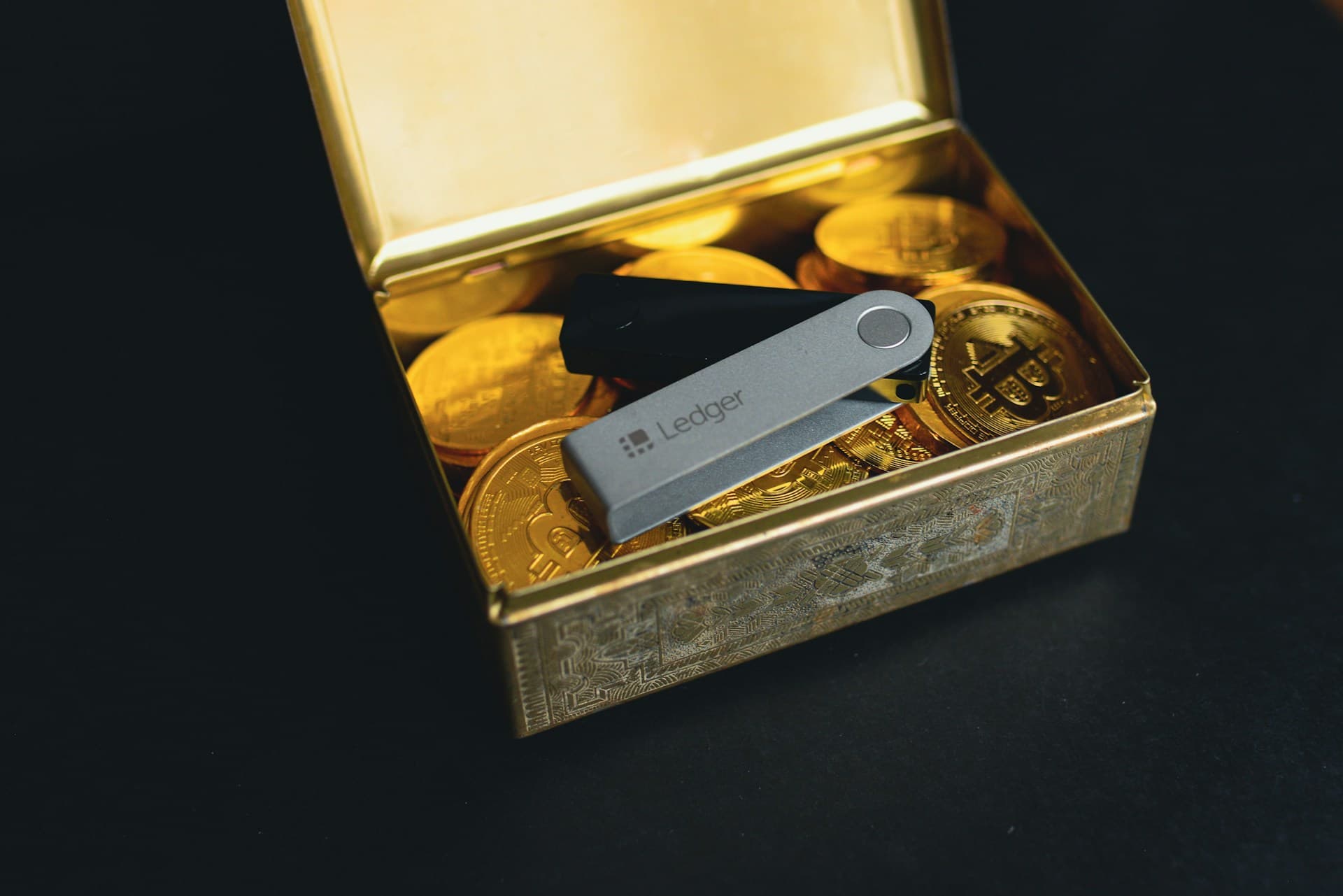
Why this matters
A hardware wallet's core function depends on the device itself not being altered before it reaches you. If a device was tampered with during shipping or at the point of sale, holding assets offline provides no protection. The physical checks and manufacturer verification tools covered here are the only way to establish that a new device is what it claims to be.
Hardware wallet tamper detection starts the moment your device arrives, before you set up a PIN or write down a seed phrase. Supply chain attacks, where a device is intercepted and modified before reaching you, have been documented as a real compromise method. The physical and cryptographic checks covered here should be standard practice for any new device.
What a Hardware Wallet Supply Chain Attack Looks Like
A supply chain attack occurs when a device is intercepted during shipping, purchased from an unauthorized reseller, or acquired second-hand. Attackers can pre-load malware, replace firmware on the secure element, or generate a seed phrase they retain a copy of. Once you set up the device and transfer assets, you may be moving them to an address the attacker already controls.
The most common method requires no technical expertise. A counterfeit device is repackaged to look new, with a printed "recovery phrase" included in the box and instructions to use it. Any assets sent to that address are immediately visible to the attacker.
Hardware supply chain risk is distinct from software supply chain attacks, such as compromised npm libraries or malicious browser extensions, which target the code you run rather than the physical device. Both are active categories of threat, but they call for different checks. A physical attack requires hands-on access before delivery; a software attack requires only that you download and run malicious code.
What to Check When the Device Arrives
Before you power on the device:
- Sealed packaging: Look for a tamper-evident seal or holographic sticker. Prior opening is reason to contact the manufacturer before proceeding.
- No pre-set PIN: When first powered on, the device must prompt you to create your own PIN. A device with a PIN already set is not safe to use.
- Blank recovery sheet: The sheet for recording your recovery phrase should arrive blank. A pre-filled sheet means someone else already holds those keys. For guidance on storing that phrase once written, see seed phrase storage.
- No connector damage: Check the USB port for scratches, residue, or discoloration, which can indicate physical modification.
Buying only from the manufacturer's official website or an explicitly listed authorized reseller is the first line of defense. A device obtained from any other source should be treated as untrusted until formal verification is complete.
Using Each Manufacturer's Verification Tools
Each major manufacturer provides a cryptographic authenticity check beyond physical inspection:
Ledger: Ledger Live performs a Genuine Check during initial setup. It communicates with Ledger's servers to verify the device's secure element certificate. You can re-run this check at any time from the "My Ledger" section. A failed check means the device should not be used.
Trezor: Trezor Suite verifies firmware signatures automatically during setup. The bootloader displays a notice if firmware was not signed by SatoshiLabs. Trezor also publishes packaging authenticity documentation by model, covering hologram placement and seal verification.
Coldcard: Coldcard documents a manual hash and signature verification process as a standard first step. This approach gives users direct confirmation of the firmware running on the device, without relying on a server-side check.
These checks are not optional steps. A legitimate device from a clean supply chain passes all of them. Skipping them removes the primary layer of protection against a compromised unit.
Applying This to Your Own Setup
If you own a hardware wallet that has never been formally verified, open the manufacturer's app and run the device check now. For any device purchased through a secondary market or from an unauthorized reseller, no software check can fully verify a physically modified device. The safe course is to not use it for holding assets.
For a broader view of your overall security setup, including how your hardware wallet fits in, check your configuration at /app. For a related risk specific to legitimate hardware wallets, see hardware wallet blind signing.
Frequently asked questions
See your health score in under five minutes.
No wallet connection. No account needed to start. Just map your setup and get a clear picture of where the gaps are.
Related Articles
SIM Swap Attacks: How Hackers Hijack Crypto Accounts via SMS
SIM swap attacks give hackers control of your phone number, bypassing SMS 2FA on crypto accounts. Here is how they work and how to stop them.
Private Key Compromise: The Attack Behind Most Crypto Losses
Most crypto theft in 2025 came from private key compromise, not code exploits. Here is how keys are stolen and what it means for your setup.

Crypto Wrench Attacks: Physical Security for Crypto Holders
Physical crypto theft via wrench attacks rose 75% in 2025. Learn how attackers identify targets and what setup changes reduce your exposure.